Course Overview
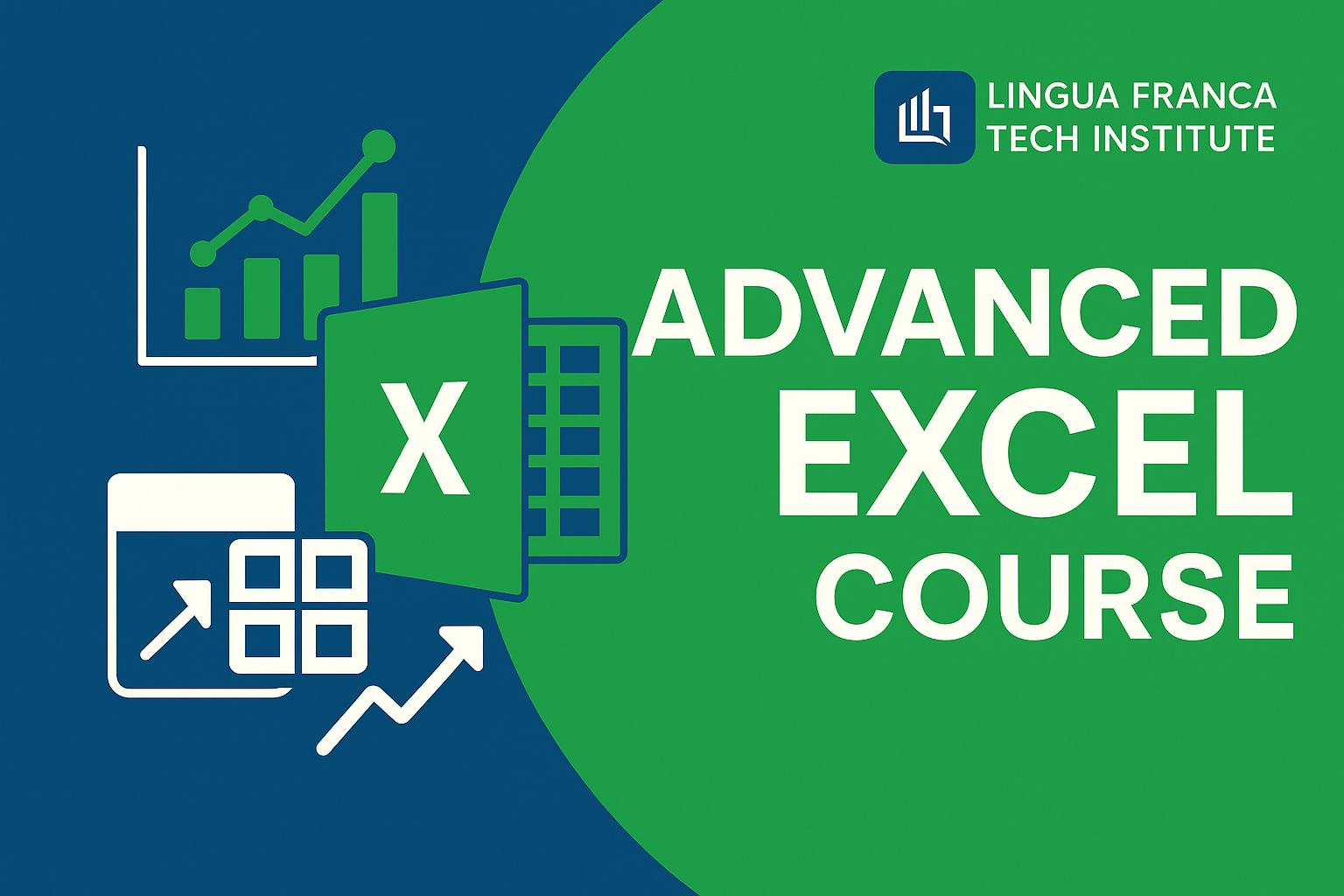
📘 Course Title: Advanced Excel – Data Analysis, Reporting & Automation
Mode: Offline | Duration: 3 Months
Certification: Issued by LINGUA FRANCA ORGANISATION
Target Audience: Students
Purpose: Job-oriented + Business Productivity
🧾 Course Description
This 3-month offline course is designed to build expertise in Microsoft Excel, covering both core and advanced tools. Ideal for students preparing for jobs in administration, finance, MIS, data analysis, and small business operations. The course combines practical assignments, case studies, and real-world business scenarios to help learners gain mastery in spreadsheets, automation, and data presentation.
By the end, learners will be able to:
✅ Analyze large data sets quickly and efficiently
✅ Create dynamic dashboards and interactive reports
✅ Automate repetitive tasks using formulas and basic macros
✅ Use Excel as a decision-making and reporting tool in any business environment
🗺️ Course Roadmap (Weekly Breakdown)
Month 1: Excel Foundations + Productivity Tools
Week 1:
Interface Overview, Ribbon & Navigation
Data Entry, Formatting, Shortcuts
Workbook & Worksheet Management
Week 2:
Basic Formulas: SUM, AVERAGE, COUNT, etc.
Cell Referencing: Absolute, Relative, Mixed
Conditional Formatting & Data Validation
Week 3:
Sorting, Filtering, Subtotals
Working with Tables
Print Setup, Page Layout, Freezing Panes
Month 2: Intermediate Tools & Data Analysis
Week 4:
Lookup Functions: VLOOKUP, HLOOKUP, INDEX, MATCH
Text Functions: LEFT, RIGHT, MID, CONCATENATE, TEXTSPLIT
Week 5:
Logical Functions: IF, AND, OR, IFS, SWITCH
Date & Time Functions
Nesting Functions for dynamic calculations
Week 6:
Pivot Tables: Grouping, Slicers, Value Fields
Pivot Charts and Dashboards
Case Study: Sales Report or Inventory Analysis
Month 3: Advanced Tools & Automation
Week 7:
Power Query: Data Cleaning, Merging, Unpivoting
Importing Data from External Sources
Named Ranges & Data Modeling Basics
Week 8:
Intro to Macros & VBA (No-code level)
Recording Macros, Assigning Buttons
Dashboard Design Best Practices
Week 9:
Final Project: Build a Business Dashboard
Assessment + Certification Test
Certification Distribution + Feedback
🎓 Outcome & Benefits
Mastery over Excel’s professional tools used in finance, HR, marketing, and MIS
Increased job-readiness in corporate roles and freelancing
Real business application through project-based learning
Certification from LINGUA FRANCA ORGANISATION adds credibility for employment
Mode: Offline | Duration: 3 Months
Certification: Issued by LINGUA FRANCA ORGANISATION
Target Audience: Students
Purpose: Job-oriented + Business Productivity
🧾 Course Description
This 3-month offline course is designed to build expertise in Microsoft Excel, covering both core and advanced tools. Ideal for students preparing for jobs in administration, finance, MIS, data analysis, and small business operations. The course combines practical assignments, case studies, and real-world business scenarios to help learners gain mastery in spreadsheets, automation, and data presentation.
By the end, learners will be able to:
✅ Analyze large data sets quickly and efficiently
✅ Create dynamic dashboards and interactive reports
✅ Automate repetitive tasks using formulas and basic macros
✅ Use Excel as a decision-making and reporting tool in any business environment
🗺️ Course Roadmap (Weekly Breakdown)
Month 1: Excel Foundations + Productivity Tools
Week 1:
Interface Overview, Ribbon & Navigation
Data Entry, Formatting, Shortcuts
Workbook & Worksheet Management
Week 2:
Basic Formulas: SUM, AVERAGE, COUNT, etc.
Cell Referencing: Absolute, Relative, Mixed
Conditional Formatting & Data Validation
Week 3:
Sorting, Filtering, Subtotals
Working with Tables
Print Setup, Page Layout, Freezing Panes
Month 2: Intermediate Tools & Data Analysis
Week 4:
Lookup Functions: VLOOKUP, HLOOKUP, INDEX, MATCH
Text Functions: LEFT, RIGHT, MID, CONCATENATE, TEXTSPLIT
Week 5:
Logical Functions: IF, AND, OR, IFS, SWITCH
Date & Time Functions
Nesting Functions for dynamic calculations
Week 6:
Pivot Tables: Grouping, Slicers, Value Fields
Pivot Charts and Dashboards
Case Study: Sales Report or Inventory Analysis
Month 3: Advanced Tools & Automation
Week 7:
Power Query: Data Cleaning, Merging, Unpivoting
Importing Data from External Sources
Named Ranges & Data Modeling Basics
Week 8:
Intro to Macros & VBA (No-code level)
Recording Macros, Assigning Buttons
Dashboard Design Best Practices
Week 9:
Final Project: Build a Business Dashboard
Assessment + Certification Test
Certification Distribution + Feedback
🎓 Outcome & Benefits
Mastery over Excel’s professional tools used in finance, HR, marketing, and MIS
Increased job-readiness in corporate roles and freelancing
Real business application through project-based learning
Certification from LINGUA FRANCA ORGANISATION adds credibility for employment
What You'll Learn
- Industry Relevant Skills
- Practical Lab Sessions
- Live Project Training
- Certification Guidance
- Interview Preparation
- Career Counseling
.webp)